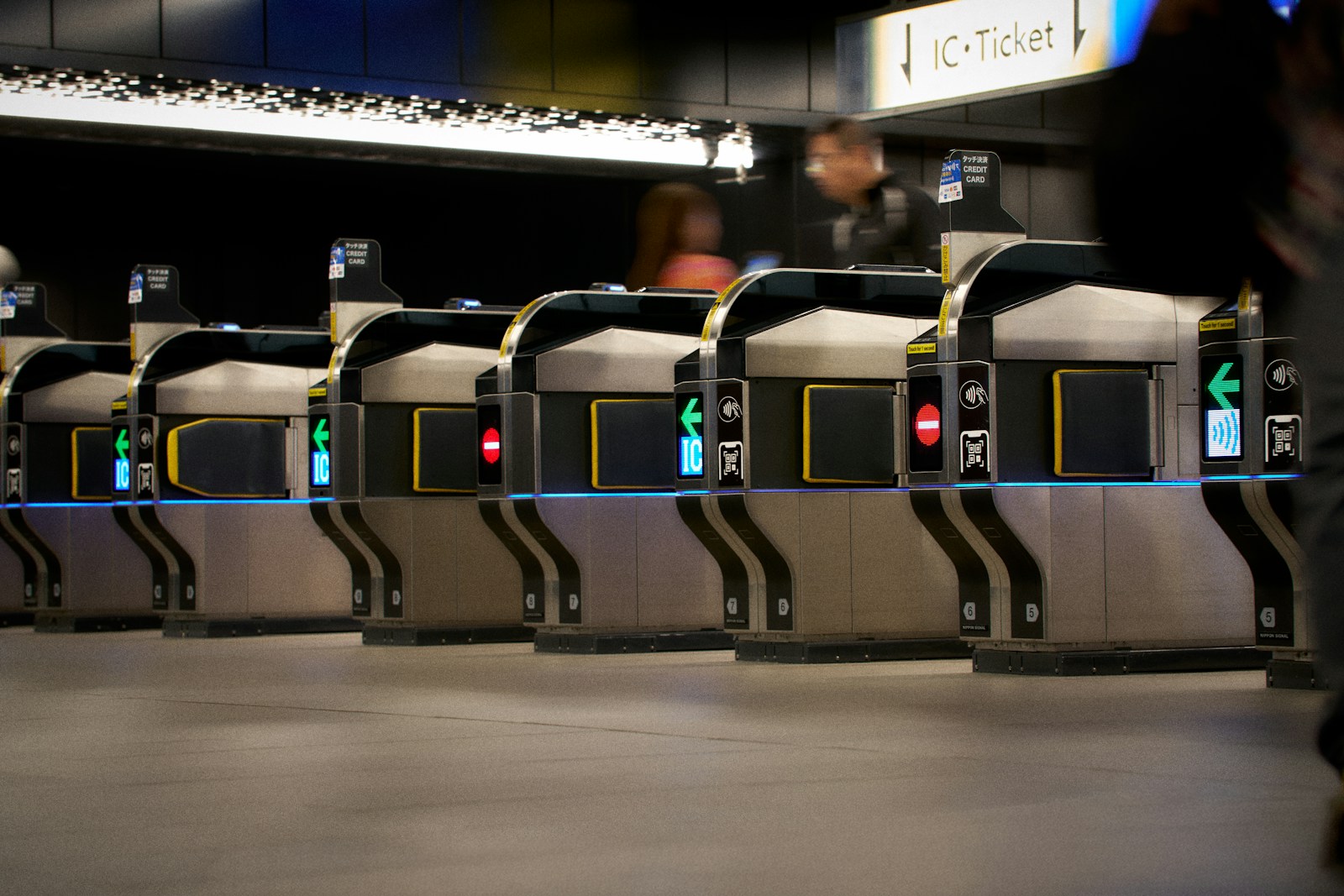
Find a station in Tokyo
The first version covers 10 stations frequently used by tourists. Select a station to see concise instructions.
No stations found matching the search term. Or this filter doesn't have any stations yet. Try searching for an English name or select “all”
How to use it so you don't get lost in the big station
- Choose a service provider first.Stations with the same name may have JR, Metro, Toei, or private railways in different buildings.
- Remember both the name of the door and the side.For example, East/West alone may not be enough. Write down the gate name or exit number as well.
- Open official mapCheck the elevator position before starting to walk. Especially when there are strollers, children or large bags.
- Take a photo of the luggage drop-off pointKeep the cabinet number, floor, exit, and card or code used to open it.
- Mainly look at the sign in front of the event.Construction work and elevator repairs may result in temporary route changes.
Store data for offline use
After selecting a station, press Download data offline A small HTML file with station instructions will be created that can be stored in Files or Downloads, without passport, ticket, or personal information.
Resources and limitations
Tokyo Metro has a station search tool based on elevators, level tracks, and wheelchair-accessible restrooms. and other facilities As for locker availability, this information changes constantly and is not covered by a single system nationwide. This page therefore does not guess at the live status.
Route and facility information may change due to construction, maintenance, and administrative work by each operator. Latest check 10 Sep 2026
Frequently asked questions
Is the locker information on this page live free?
Why the nearest exit might not suit your wallet
How can I save data for offline viewing?
Should I trust this information instead of signs in the station?
Planning next steps
 Japan pre-travel checklistPrepare according to the time Don't miss important things.
 5 day Japan tripTokyo or Osaka–Kyoto
 Where to Stay in TokyoCompare Ueno, Shinjuku, Asakusa.
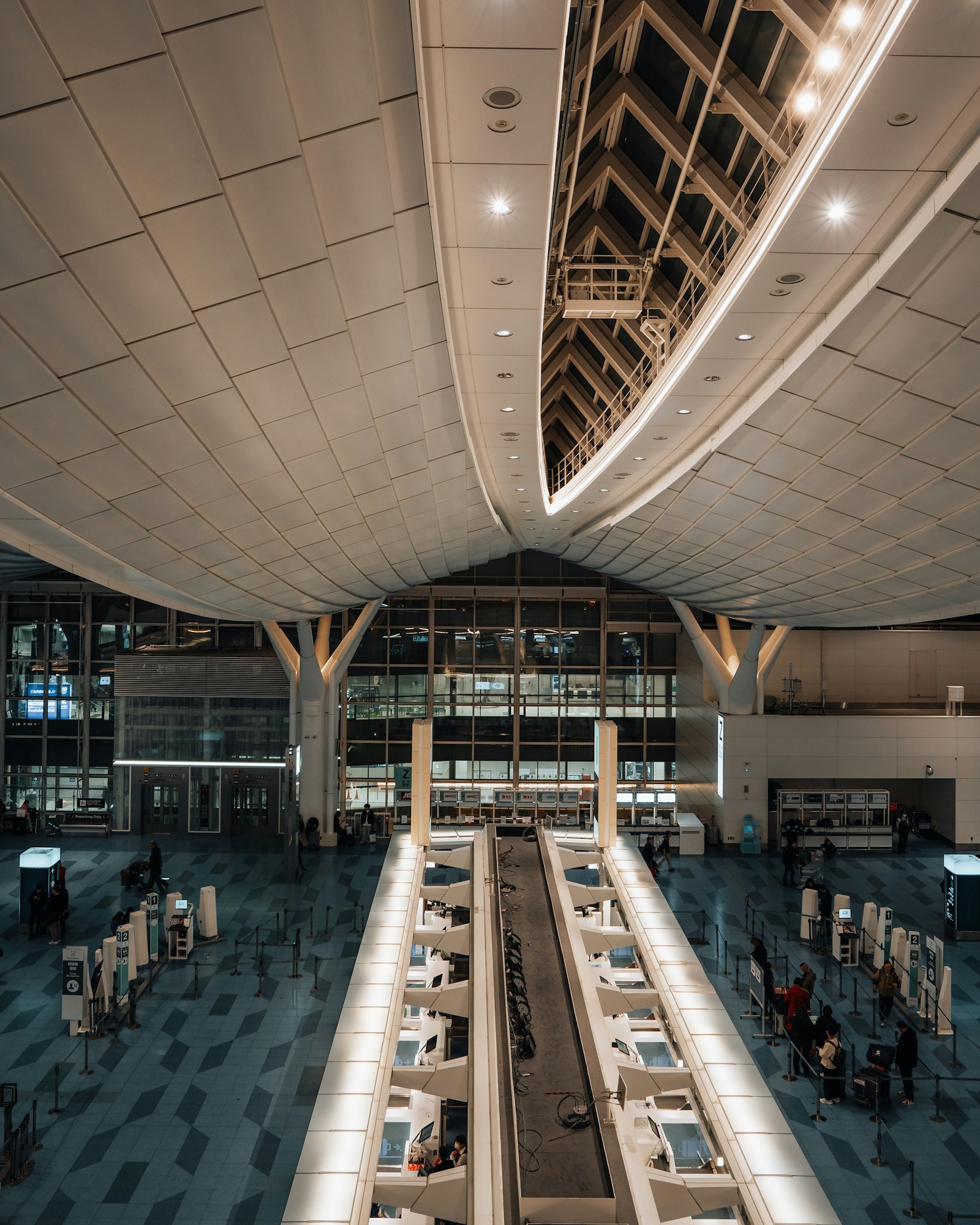 Tokyo Airport TransfersChoose from Narita and Haneda.
Suica · PASMO · ICOCAChoose the card and top up correctly.
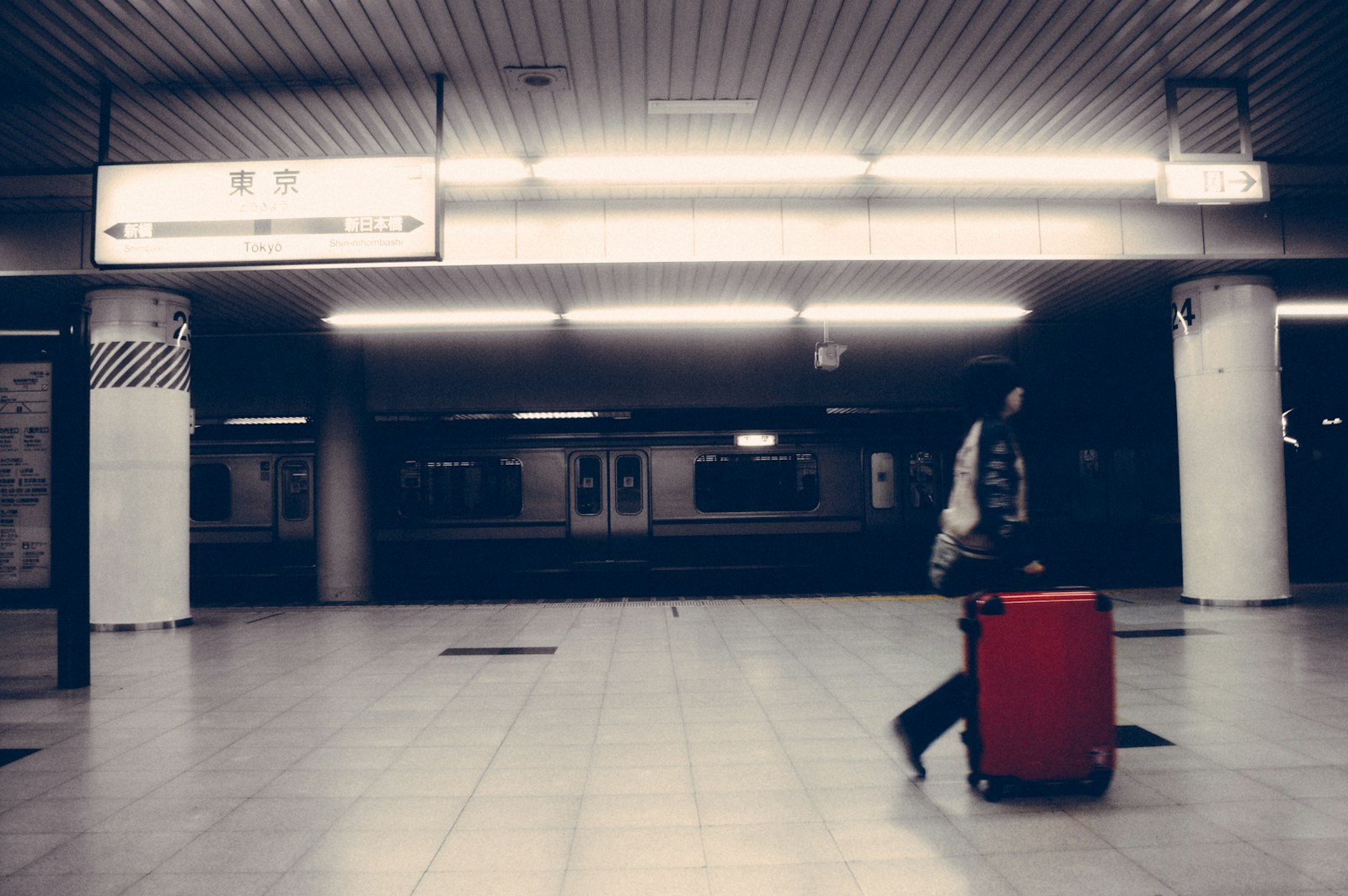 Luggage Delivery and StorageYamato lockers and Shinkansen
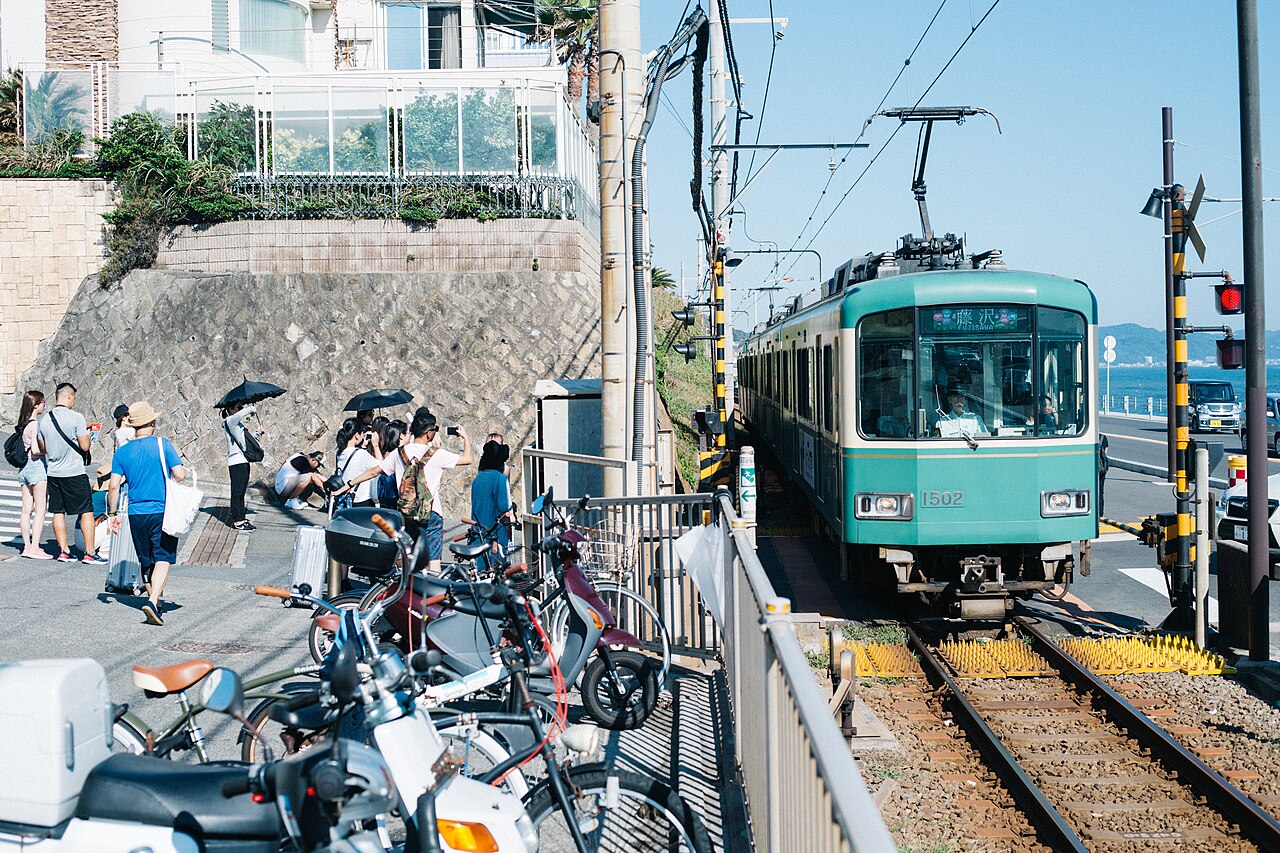 Following in the footsteps of Japanese anime6 real places with how to go and etiquette